Table of content
- Build an AI Chatbot for Your F&B Business with CX Genie
- Why Use CX Genie for F&B?
- Step-by-Step: How to Create Your F&B Chatbot
- 1. Create a new bot
- 2. Add Your Business Information
- 3. Add FAQs and Common Questions
- 4. Customize with Workflows and Training (Optional)
- 5. Launch and Integrate Your Bot
- What Your F&B Chatbot Can Do
- Tips for the Best Results
- Conclusion
Build an AI Chatbot for Your F&B Business with CX Genie
Nov 27 2025
Table of content
- Build an AI Chatbot for Your F&B Business with CX Genie
- Why Use CX Genie for F&B?
- Step-by-Step: How to Create Your F&B Chatbot
- 1. Create a new bot
- 2. Add Your Business Information
- 3. Add FAQs and Common Questions
- 4. Customize with Workflows and Training (Optional)
- 5. Launch and Integrate Your Bot
- What Your F&B Chatbot Can Do
- Tips for the Best Results
- Conclusion
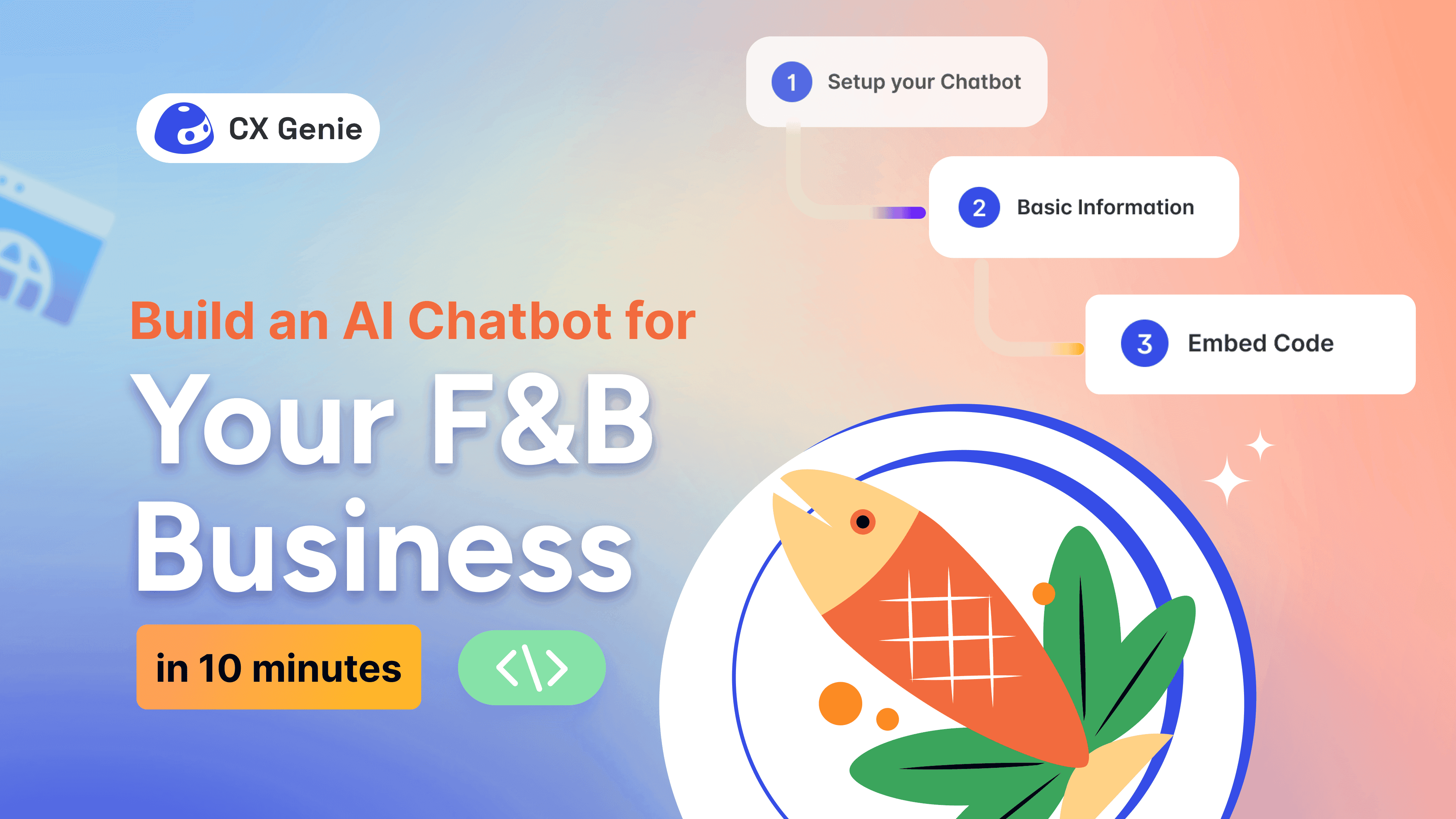
Build an AI Chatbot for Your F&B Business with CX Genie
In food & beverage (F&B) industry, customers expect instant answers, from menu inquiries to delivery availability and table reservations. An AI chatbot can act as your digital front desk, helping customers 24/7 while reducing the workload on your staff. With CX Genie, creating your own chatbot becomes fast, simple, and completely no-code.
Why Use CX Genie for F&B?
CX Genie is an AI-powered customer engagement platform that helps businesses automate conversations, support, and workflows. For F&B brands such as restaurants, cafés, bakeries, bars, or cloud kitchens, it delivers instant responses to common customer questions such as menu details, promotions, or operating hours.
Instead of building from scratch, this blog gives you a structured starting point. You only need to fill in your business information, add FAQs and Common Questions and the bot becomes ready to assist your customers.
Step-by-Step: How to Create Your F&B Chatbot
1. Create a new bot
- Log in to CX Genie.
- Go to the Bots section and select Create Bot.
- Enter your bot name, greeting message, and choose an avatar.
This sets up the basic framework of your chatbot.
2. Add Your Business Information
Fill in the core details your customers typically ask for:
- Menu: Add the dishes, drinks, combos, or product lists you offer. Use clear, text-based descriptions and headings.
- Address & contact: Provide your store address, hotline, and any additional contact method.
- Opening hours: Specify the days and times you operate.
- Website or social links: Useful for customers who want more details.
Once submitted, these become part of your bot’s knowledge base.
3. Add FAQs and Common Questions
The Training Data includes a section for frequently asked questions. You can customize this with details such as:
- Do you offer delivery? Mention your delivery zones or platforms you partner with.
- Best-selling dishes. Highlight customer favorites to encourage orders.
- Invoice policy. Let customers know if you can issue VAT or other invoice types.
- Promotions and special offers. List current combos, seasonal deals, or discounts.
Completing the FAQ section ensures your chatbot can instantly answer the most common customer queries.
4. Customize with Workflows and Training (Optional)
If you want your chatbot to handle more complex tasks, CX Genie provides two powerful tools:
Training Data / Knowledge Base
Upload your business documents, FAQs, or additional info so the bot can answer even more accurately.
Workflow
Create conversational logic using drag-and-drop components. This is ideal for table reservations, order-taking flows, collecting customer details, redirecting users to departments, and conditional responses based on customer choices.

You can also use dynamic variables to pull real-time data such as menu updates or stock availability if your business requires it.
5. Launch and Integrate Your Bot
When your setup is ready, click Launch Bot.
CX Genie supports deployment across multiple channels:
- Website (chat bubble or embedded widget)
- Social media inboxes
- Messaging apps
- Internal systems
You can also set up an automatic customer information form to collect names, phone numbers, or emails at the start of the chat. This is helpful for bookings, follow-ups, and marketing.
What Your F&B Chatbot Can Do
Once live, your bot can handle various tasks that normally require staff:
- Provide menu details and dish descriptions
- Share your location, opening hours, and contact info
- Answer all FAQs instantly
- Promote combos, seasonal offers, and best sellers
- Support table reservations (through workflow)
- Assist with order placement steps
- Gather customer information
- Operate 24/7
- And more
This improves customer satisfaction, reduces waiting time, and allows your team to focus on preparing food and serving guests, not answering repetitive questions.
Tips for the Best Results
- Keep your menu and FAQs clear and text-based for maximum AI accuracy.
- Set a friendly, welcoming greeting message to create a good first impression.
- Test the bot regularly using the built-in test chat feature.
- Update your menu, promotions, and business info whenever they change.
The more accurate your data, the smarter your chatbot becomes.
Conclusion
For any F&B business, whether you are running a café, restaurant, bar, or cloud kitchen, building an AI chatbot is one of the fastest ways to improve customer service and reduce operational load.
With CX Genie, you can create a fully functional chatbot in minutes. Just fill in your business information, customize your FAQs, add workflows if needed, and launch it on your website or social channels.
Your customers will enjoy faster replies, your team will save time, and your business will operate more smoothly.



Join our newsletter!
Related articles